Turn Your Handwritten Plans Into Schedules With a Photo
We've all been there. You sketch out your day in a notebook, jot down tasks on a sticky note, or map out a project on paper. It feels natural and fast. But then comes the tedious part: typing it all into your app, one task at a time.
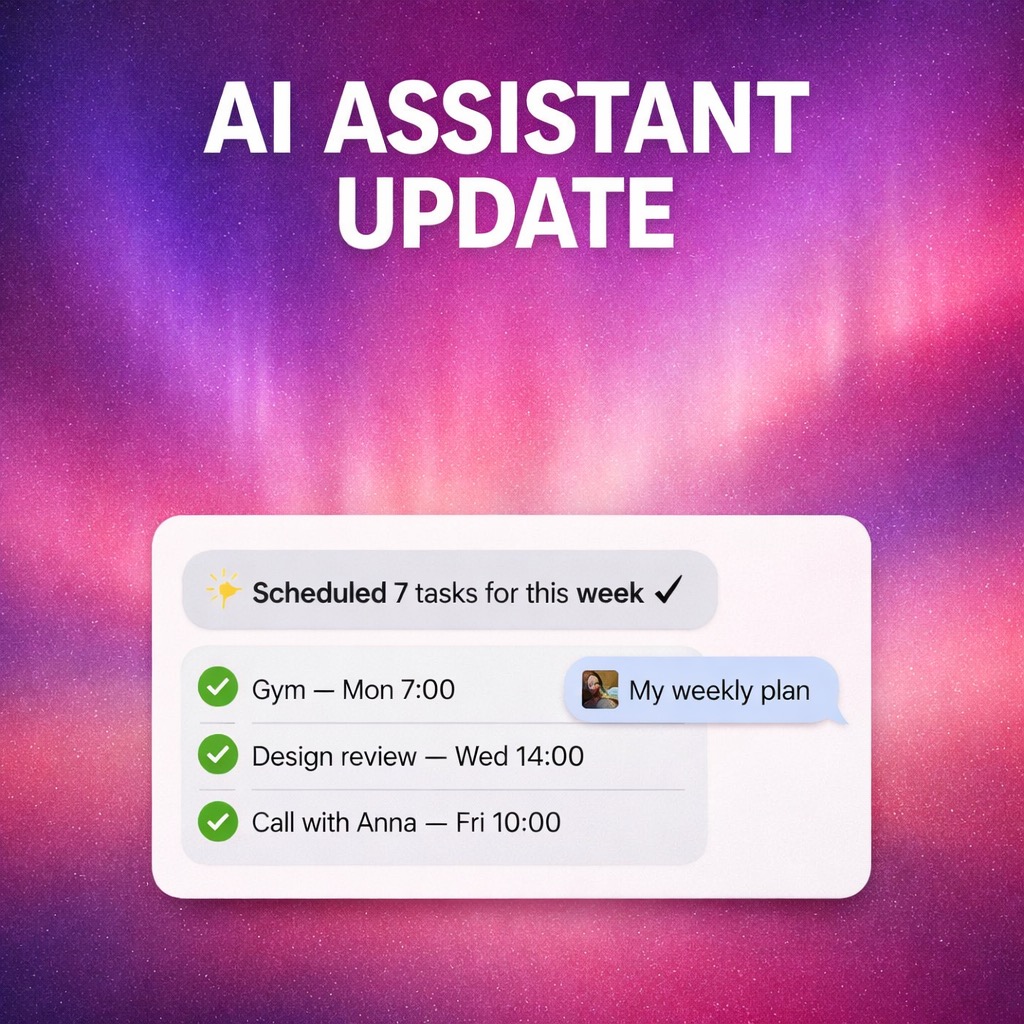
Not anymore. Brite's AI Assistant can now turn any photo of your handwritten or printed plan into a fully structured schedule. Just snap a picture, and watch your tasks organize themselves automatically. This update makes the feature faster, smarter, and ready for even your most ambitious plans.
What's New in This Release
This isn't just a minor update. We've rebuilt the AI Assistant from the ground up to handle real-world planning scenarios:
- Much better photo recognition** — The AI now understands messy handwriting, crossed-out items, arrows, and annotations. It works with notebook pages, whiteboards, printed documents, and even crumpled sticky notes.
- More accurate scheduling logic** — Brite better understands context, priority markers, and time estimates. It places tasks in the right order and suggests realistic timeframes based on your input.
- Optimized for large plans** — Planning a multi-week project or a packed conference schedule? The AI now handles dozens of tasks in a single photo without breaking a sweat.
- Faster response and smoother animations** — Processing happens in seconds, not minutes. The interface feels more responsive, with polished transitions that make the experience feel effortless.
- A lot of bug fixes** — We've addressed edge cases, improved reliability, and fixed issues that affected accuracy and performance.
How It Works
Using the AI Assistant is straightforward. Open Brite, tap the camera icon, and take a photo of your plan. The AI scans your image, identifies individual tasks, and converts them into actionable items with suggested times and priorities.
You can photograph anything: a bullet journal spread, a meeting agenda, a project timeline sketched on paper, or a to-do list from your morning coffee session. The AI adapts to your style, whether you write in neat print, flowing cursive, or somewhere in between.
Once your tasks appear in Brite, you can adjust them as needed. Drag to reorder, edit details, or let the app's scheduling engine optimize your day. Everything syncs across your iPhone, Mac, and the web, so your plan follows you everywhere.
Why This Matters
Digital tools are powerful, but analog planning has real advantages. Paper doesn't have notifications. It doesn't require unlocking a device. For many people, writing by hand helps them think more clearly and remember better.
The problem has always been the gap between paper and digital. You either commit to one world or waste time bridging both. Brite eliminates that friction. Plan however you want, then bring it into your digital workflow with a single photo.
This update also means you can capture plans from other people. Snap a photo of your manager's whiteboard sketch, your team's brainstorming session, or a project timeline from a meeting. Turn collaborative analog planning into structured digital action without manual transcription.
Get Started Today
The updated AI Assistant is available now in Brite for iOS, Mac, and web. If you're already using Brite, the update is waiting for you. If you're new, you can download Brite free and try the AI Assistant with your next handwritten plan.
We built this feature because we believe productivity tools should adapt to how you naturally work, not the other way around. Whether you're a notebook devotee, a whiteboard thinker, or someone who just prefers pen and paper for certain tasks, Brite now meets you where you are.
Try it with your next plan and see how much time you save. Visit britetodo.com to get started.
Field notes on planning & productivity
Hand-picked essays from the Brite team.
How to prioritize tasks: practical methods for work and personal life
What is prioritizing tasks?When you have a lot of tasks to do, it can be difficult to know where to start. That's where prioritizing comes in. Prioritizing is the process of determining which tasks are the most important...
Read articleBest Mood Tracker Apps in 2023 (Paid and Free)
How often have you been out of sorts lately? Or do you feel you're on top of the world and want to catch the reason?...
Read articleProcrastinate No More Using the Eating a Frog Method
Is procrastination getting the best of you?The eat that frog method is an approach to productivity that suggests you should do the most difficult and important task of your day first. Named for the analogy that it’s be...
Read article