Focus Timer App — Deep Work Made Easy
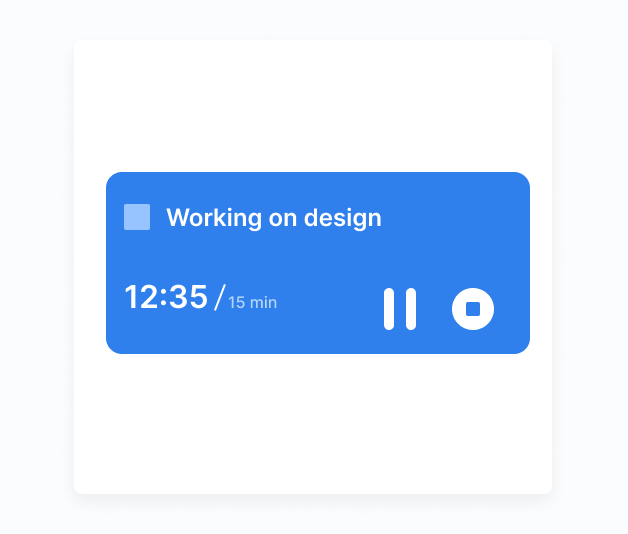
A focus timer is one of the most proven tools for beating procrastination. Brite integrates a focus timer directly with your task list — start a timer on any task and work distraction-free until the session ends.


Everything You Need
Pomodoro Timer
Use the classic 25-minute Pomodoro technique or set custom focus intervals that match your work style.
Task-Linked Timer
Start a focus timer directly on a specific task so your time and work are always connected.
Focus Mode
Activate focus mode to hide all other tasks and notifications during your work session.
Break Reminders
Get prompted for short breaks between sessions to maintain energy and prevent burnout.
Focus Stats
Track how many focus sessions you complete each day and week to measure your deep work output.
Session Sounds
Choose ambient sounds (rain, white noise, café) to help you enter and sustain a flow state.
"I used to spend hours 'working' while actually doing nothing. Setting a 25-minute focus timer on a specific task made me 3x more productive in the same time."— Anna T., writer
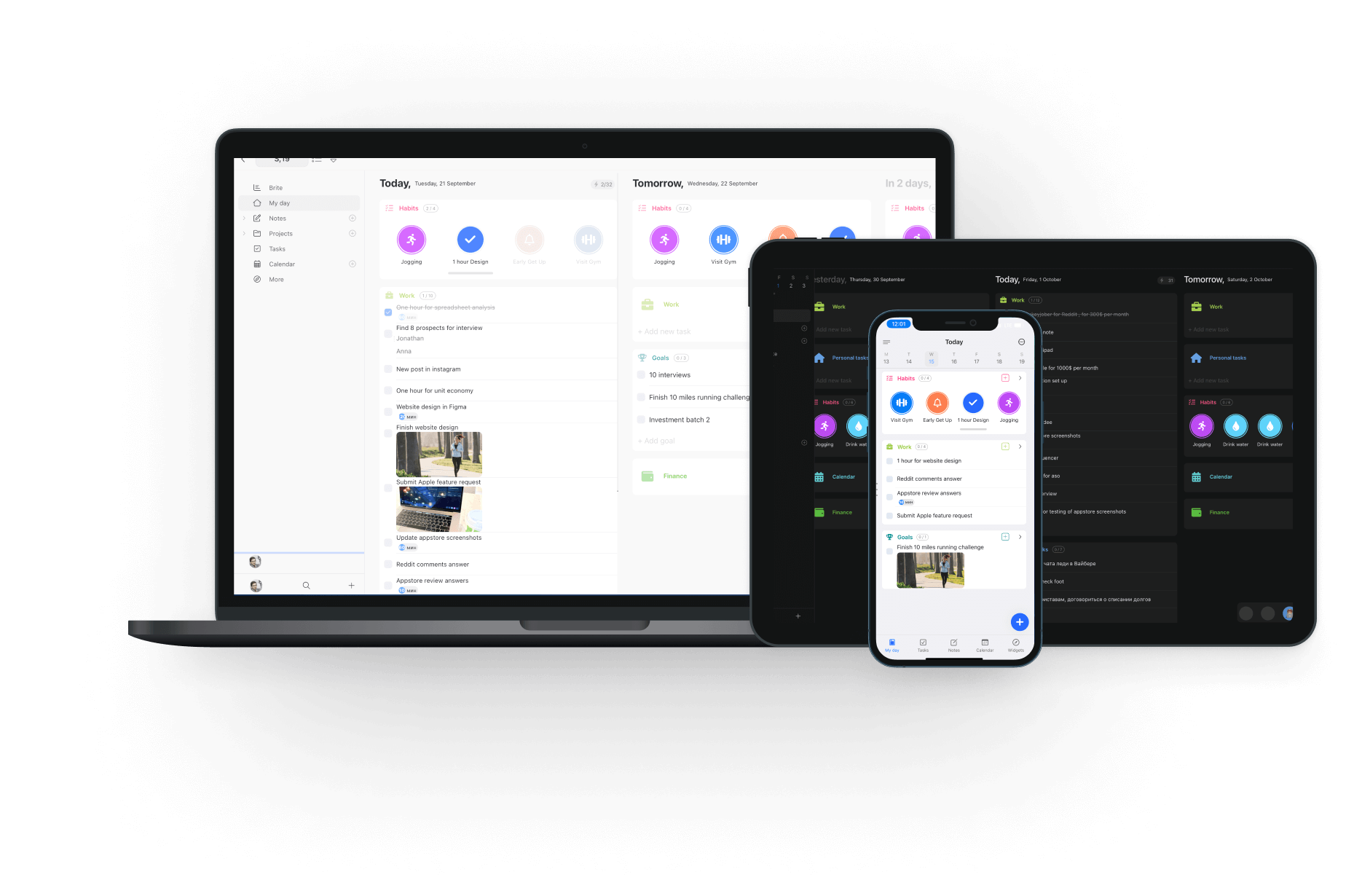
Works on All Your Devices
Frequently Asked Questions
The Pomodoro technique breaks work into 25-minute focused sessions followed by 5-minute breaks. After 4 sessions, take a longer 15-30 minute break.
Yes — set any focus interval from 5 to 90 minutes, with customizable short and long break durations.
Yes — Brite logs every focus session so you can see your daily and weekly deep work totals.